

tia® Scan — The powerful Scan client
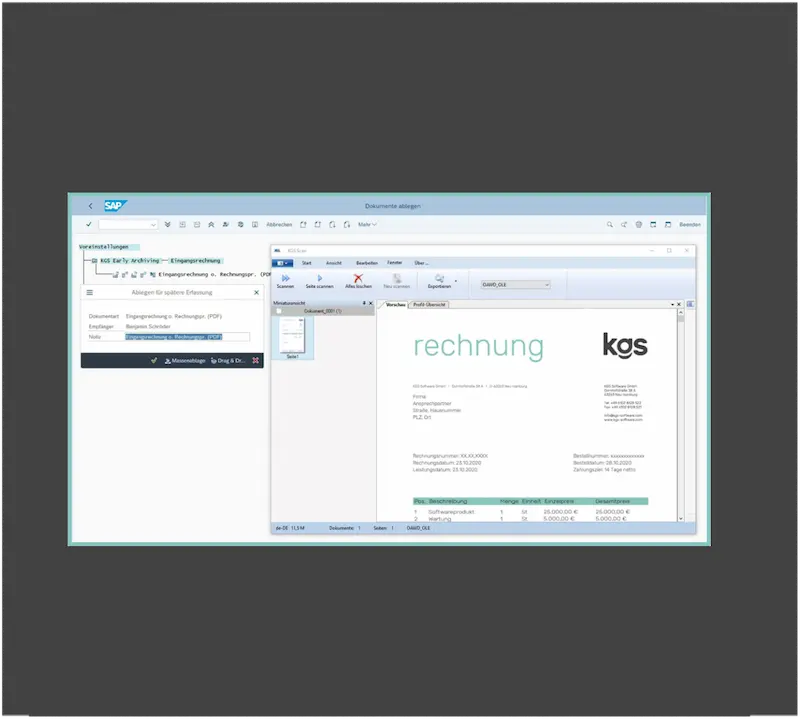
The high-performance scan client with direct control and archiving of scanned documents from SAP. Companies can use it to implement centralized or decentralized incoming mail scenarios. A mass scan with automatic barcode recognition or the capture of documents for automatic forwarding to an SAP workflow are also easy.


Top Companies rely on kgs


.svg.png)


.svg.png)


.svg.png)

Features of tia® Scan
document processes Design efficiently
tia® Scan is a powerful scanning solution that enables direct control of scanners and seamlessly transfers scanned files to an SAP system.


Features at a glance
Heading
Heading
Heading
Heading
Heading
Heading
Heading
Heading


Benefits tia® Scan
Automate your Inbound processes with tia® Scan
Intuitive operation
tia Scan® enables direct scanning from the SAP GUI. Very intuitive to use thanks to Windows-compliant operation.
Flexibility and scalability
The software solution comes ready to go with minimal customizing effort, for rapid deployment.
Batch Processing
Intelligent batch processing for non-SAP storage and rapid process processing.
Increased efficiency and productivity
Profile-controlled definition of scanner settings.
Security
Direct storage in the archiving system with SAP-compliant security.
All storage scenarios
Support for all SAP filing scenarios (OAWD, GOS, barcode, mass storage).


Successful Use Cases
tia® from kgs in practice

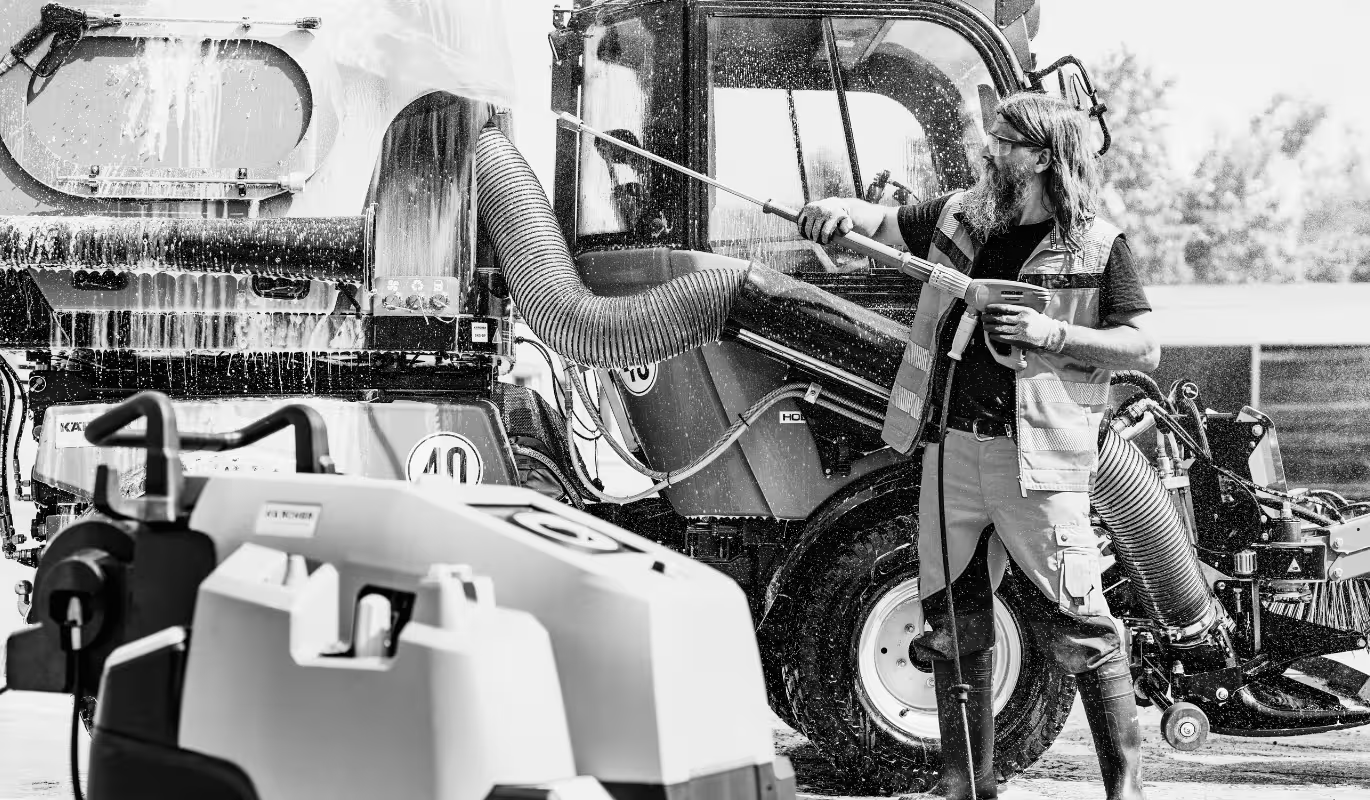
Kärcher: Archiving in the cloud and CMIS readiness from a single source
- Archiving as part of S/4HANA transformation
- AWS platform
- ArchiveLink and CMIS


Two men - 8 terabytes
Archiving solution at Hensoldt/Migration process of over 8 terabytes/kgs solutions at Hensoldt at a glance

.avif)

Coats switches to kgs archive and goes to the cloud
Motivation to change archive system / kg's solution for Coats / Migration process / Bye On-Premises - Hello Cloud


.png)
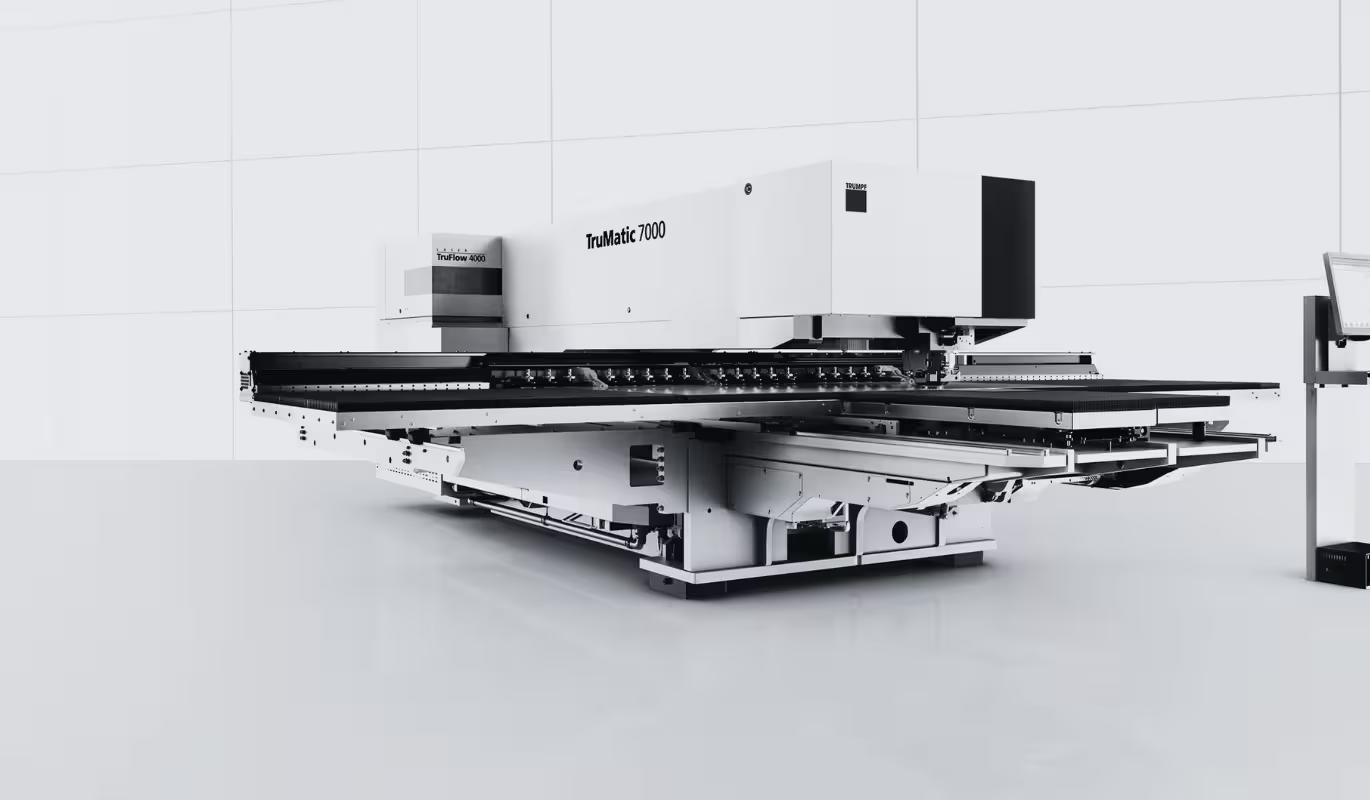
Migrate 6 terabytes of documents
- Motivation to switch to the kgs solution
- Special features of Trump archiving
- kgs solutions at Trumpf


New kgs archive with invoice entry
- Data migration insights
- Transfer of incoming invoices
- Overview of various kgs product modules at Röchling


.png)
SAP archiving under S/4HANA with kgs
- Motivation for changing archiving systems
- kgs solution for Döhler
- Archiving with S/4HANA


We archive, only smarter
Future-proof archiving with tia® Content Server
The tia® Content Server is a powerful archiving solution that supports both traditional SAP integrations (ArchiveLink®) and modern cloud scenarios (CMIS). It is SAP-certified and fits seamlessly into your IT environment.


FAQ
FAQ about tia® — the intelligent archive
If you have any further questions about tia® that are not answered here, you can find more detailed information and helpful resources in our insights. We are also happy to advise you personally if you need an individual solution.


tia® Scan is a powerful scanning solution that enables direct control of scanners and seamlessly transfers scanned files to an SAP system. It is used to digitize and index paper documents and integrate them into various document management processes.
Yes, tia® Scan allows direct scanning from the SAP GUI. The digitized documents are automatically assigned to a process, document or SAP object and can be transferred directly to an integrated archiving system or a connected DMS — without any manual intermediate steps.
Yes, with tia® Scan, mass scanning including automatic barcode recognition is possible. As a result, documents can be automatically separated, tagged and correctly assigned — ideal for structured incoming mail or large volumes of documents.
tia® Scan supports all TWAIN-compatible scanners and can work with standard multifunction printers (MFPs). The scanner settings can be set centrally via profiles — this simplifies standardized scanning processes.
tia® Scan improves overall document management by automating the capture, processing, structuring and legally compliant archiving of files. In combination with SAP workflows, the result is a consistent, efficient and audit-proof digital process.
Yes, tia® Scan can be fully integrated into SAP and into existing IT infrastructures. It supports automated workflows, barcode-based separation mechanisms and flexible storage logic — perfect for individual digitization processes.
After processing, the scanned documents are automatically and legally archived — either directly in SAP or in a connected archiving system with SAP-compliant security. This means that all documents are audit-proof and can be found at any time.
Yes, access rights, scanner settings and processing processes can be individually controlled via user profiles. This enables secure, standardized and verifiable handling of sensitive files.
tia® Scan can be seamlessly combined with several kgs solutions to implement continuous, automated and secure document processing in SAP. In connection with tia® Scan Server Scan profiles and user rights are centrally managed. The tia® Document Router enables the automatic forwarding of scanned documents based on bar codes or routing rules. The ensures legally secure archiving tia® Content Server, while kgs tools such as tia® migration or tia® ZADOC integrate existing archive systems or increase document access performance. The result is a modular and scalable solution for digital document management in SAP environments.
Contact Us
Your future archive starts here
Heading
Heading
Heading
Heading


Kgs' Blog
Procedural documentation
Procedural documentation is a central element of legally compliant archiving. It describes in detail the processes, systems and technical frameworks that are used in the company for electronic archiving.


tia® other product modules
tia® more Product modules
tia® Viewer
Der tia® Viewer ist die Software-Applikation zur Anzeige von PDF- und Bild-Dokumenten im Internet Browser.

tia® Zadoc
Egal ob SAP- oder Non-SAP-Dokumente – alle Belege können zentral mit tia® ZADOC durchsucht werden.

tia® Migration
Mit tia® Migration lückenlos überwachen ob alle Objekte korrekt übertragen wurden.

tia® Content Server
DM-/ECM Systeme mit schlanker SAP Archivierung ablösen und bis zu 50% Kosten sparen.

tia® Document Router
tia® Document Router macht Dokumente unterschiedlichster Quellen in SAP nutzbar.

tia® Scan Server
Der tia® Scan Client ermöglicht direktes Scannen und Archivieren aus SAP – ideal für zentrale und dezentrale Posteingänge, Massenscans mit Barcodes und die Übergabe an SAP-Workflows.